**This post contains affiliate links in exchange for commissions and/or financial rewards when you click and/or purchase those products or services through my link. The views expressed are my own and are not related to the affiliate programs I may participate in.
It’s no secret that content is king on social media. Now if you’re totally new to content creation, you should start by checking out my post on 7 Pro Tips to Create Awesome Instagram Content. Professional-looking graphics, even if you’re doing quote overlays, are super important! But let’s be honest… most of us are not graphic designers.
Do you want to know a secret?
A lot of marketing pros aren’t graphic designers either.
True story: I ran several Paid Facebook campaigns for MONTHS with graphics 100% designed by me, and I’ve never taken a graphic design course in my life. How did I do it? The same way I create all of the graphics for my blog and Instagram! I used Canva.
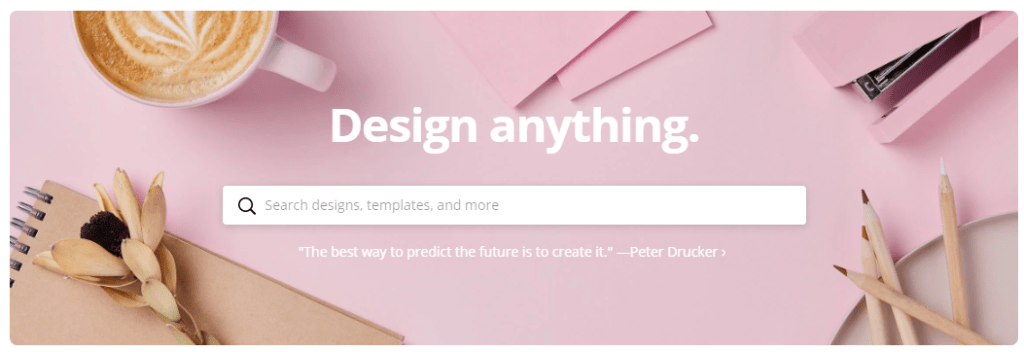
Canva is a free (with a premium option) app that lets you design for a lot of different purposes. You choose what you’re creating (like a Pinterest Pin, and Instagram Post, or a Facebook Cover Image), and then you can scroll through template suggestions and pick something that has a look you’re going for. It looks something like this:
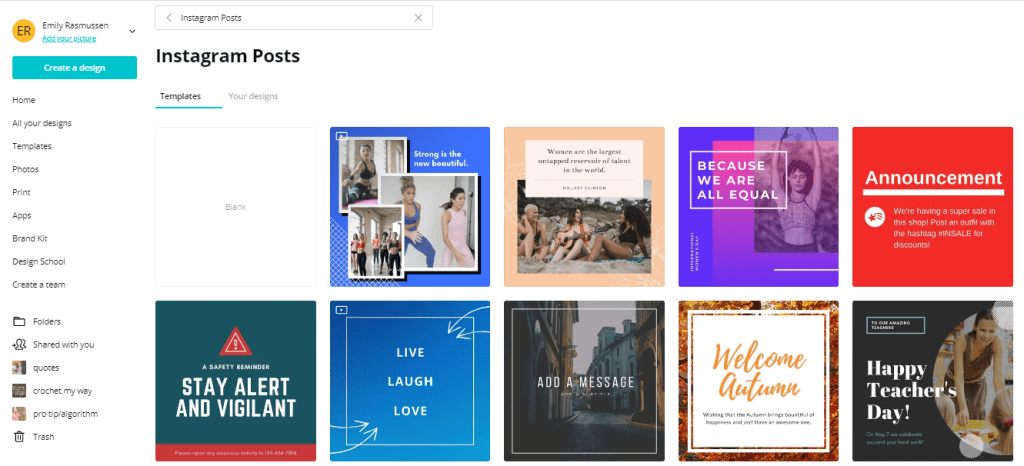
I like to pick a template with the layout that I’m going for (1 picture with text to the side, a circle image with a text overlay, a fresh cartoon with some animation, etc.). Once I’ve picked one I like, I swap out the template colors and images for my brand! It ends up looking something like this, and from here it goes right onto my Instagram!
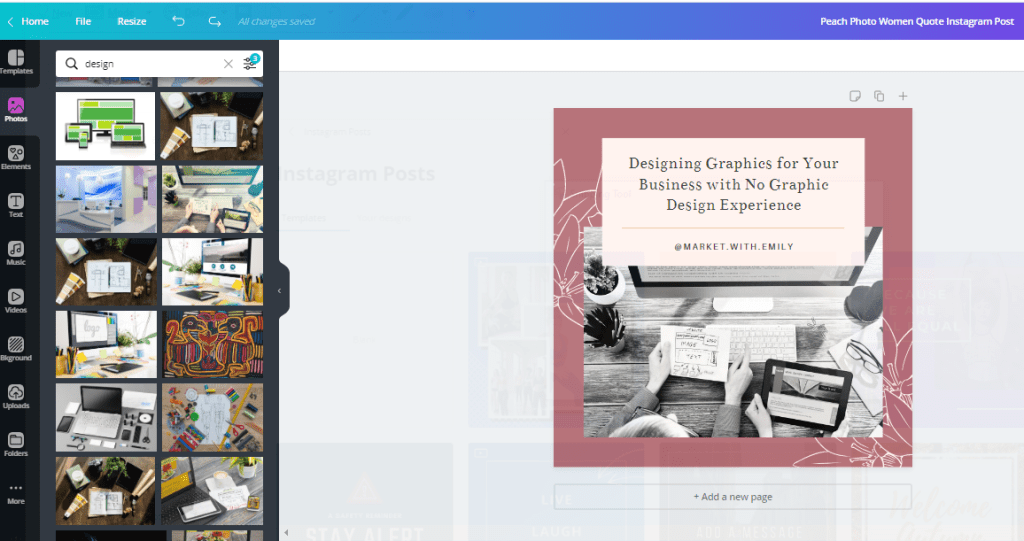
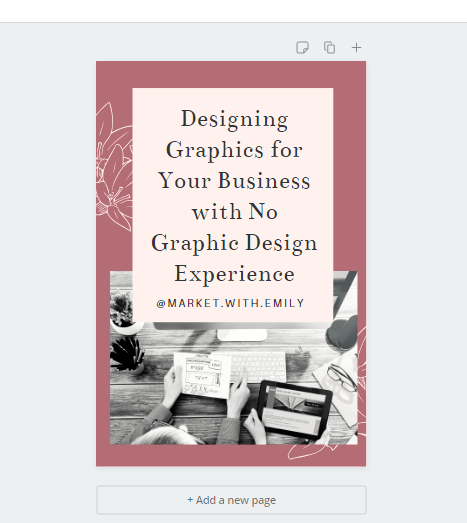
From there, I can easily copy and resize it for a Pinterest Pin as well! I just move things around so that the design fits into the space I have for it and it’s ready to go! This process takes 5 minutes max.
It’s easy to do, most of the time I design my graphics from my phone! And it speeds up the process of promoting new blog posts!
If you have a premium subscription (which I do because Canva is my life at this point), you also get access to a ton of stock photos to use in your images, and you can save brand guides, so you don’t have to try to remember which font or color you used!
 Market with Emily