It can be really challenging to talk to your followers during a time when you don’t even know what’s going on. As an entrepreneur, things are scary for you right now, and even if you do have some stability financially or otherwise in your life, things are uncertain. I think it’s essential for those of us who do have a voice to speak to people outside of our immediate circle to share messages of hope.
I’m not saying to put on rose-colored glasses or to pretend that this isn’t happening. That would be fake, and you never want to be fake on your feed. To help you through it, I made a list of dos and don’ts for your pandemic content
Do be authentic about what you’re experiencing, it’s likely that your followers are feeling it too.
Don’t share news or health tips, leave that to the professionals. You don’t want to accidentally put something incorrect in a post!
Do share the ways that your business is adapting, whether you’re doing takeout/delivery, online orders, curbside pick-up, etc.
Don’t rant about the protective measures. We’re all feeling this as small businesses, but it’s not our followers’ fault.
Do share how you’re getting through it! Are you binge-watching a show? Working on a new project? Trying out new recipes? Organizing? Your followers want to know!
Don’t post photos of yourself going out to bars or ignoring the warnings, even if it’s old content and you’re not currently doing it!! Save this content for when it’s all over.
Do spend extra time engaging with your followers. They’re probably lonely and scared too, and you can be a really positive part of their day!!
If you’re struggling with how to make your business work through this or how to market your new way of doing business, click here to message me!! I’m offering 5 one hour long consulting and planning sessions free of charge to help you all get through this.
At the end of the day, we’re all in this together. We may be isolated to our homes, but it’s going to take all of us to get through this.
**This post contains affiliate links in exchange for commissions and/or financial rewards when you click and/or purchase those products or services through my link. The views expressed are my own and are not related to the affiliate programs I may participate in.
A lot of marketing pros aren’t graphic designers either.
True story: I ran several Paid Facebook campaigns for MONTHS with graphics 100% designed by me, and I’ve never taken a graphic design course in my life. How did I do it? The same way I create all of the graphics for my blog and Instagram! I used Canva.
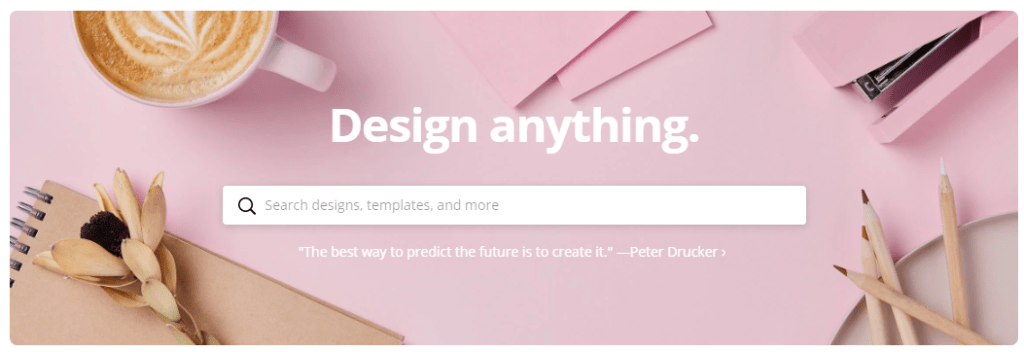
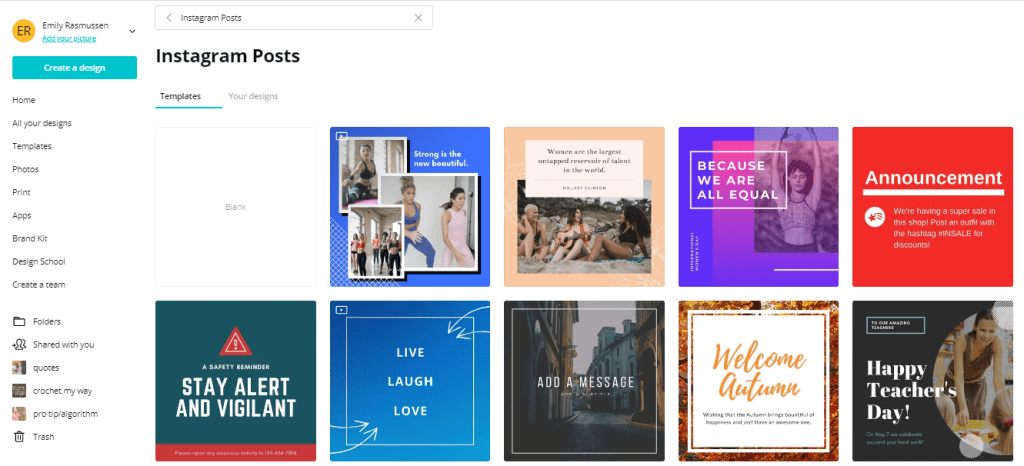
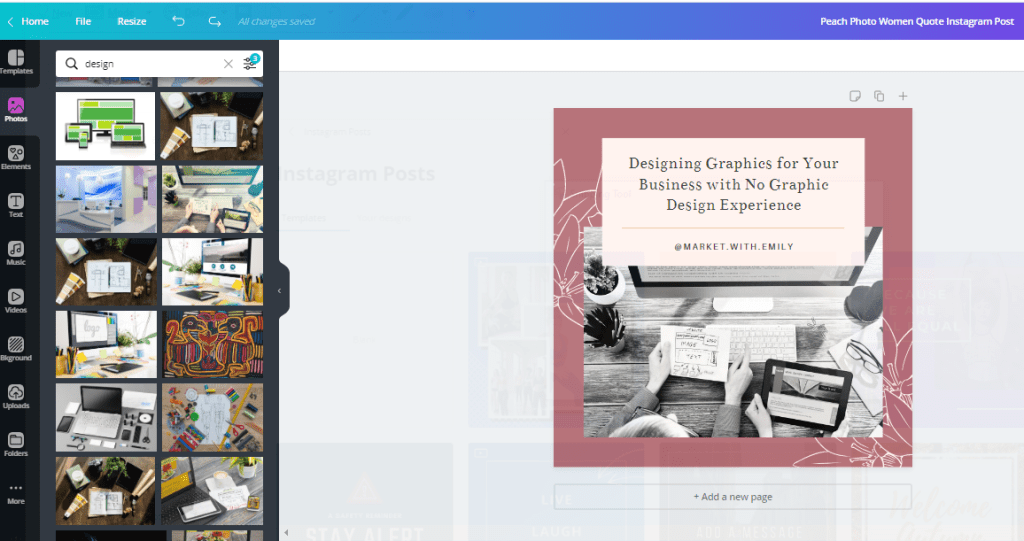
Canva is a free (with a premium option) app that lets you design for a lot of different purposes. You choose what you’re creating (like a Pinterest Pin, and Instagram Post, or a Facebook Cover Image), and then you can scroll through template suggestions and pick something that has a look you’re going for. It looks something like this:
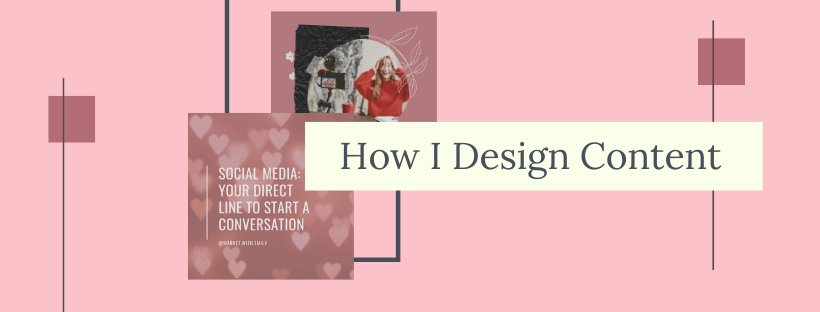
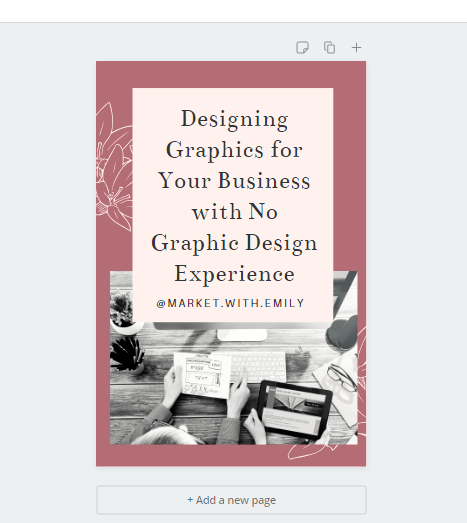
I like to pick a template with the layout that I’m going for (1 picture with text to the side, a circle image with a text overlay, a fresh cartoon with some animation, etc.). Once I’ve picked one I like, I swap out the template colors and images for my brand! It ends up looking something like this, and from here it goes right onto my Instagram!
From there, I can easily copy and resize it for a Pinterest Pin as well! I just move things around so that the design fits into the space I have for it and it’s ready to go! This process takes 5 minutes max.
It’s easy to do, most of the time I design my graphics from my phone! And it speeds up the process of promoting new blog posts!
If you have a premium subscription (which I do because Canva is my life at this point), you also get access to a ton of stock photos to use in your images, and you can save brand guides, so you don’t have to try to remember which font or color you used!
Instagram officially let business accounts schedule posts a little while ago and we REJOICED. Platforms popped up left and right to do it, and it seemed like everyone bought into it. It was optimized. You could be there when your followers were there. Life was amazing. Or was it?
Those beautifully optimized, perfectly curated, scheduled posts can’t beat out my organic ones. They’re not even top 5 on my lifetime best posts ever, and I’ve never gone viral!
Here’s the reality… the scheduled posts don’t get the same reach or engagement as my other posts. And interestingly enough, they perform noticeably worse on hashtags. So by scheduling posts I was actually reaching fewer people overall and hurting my own growth.
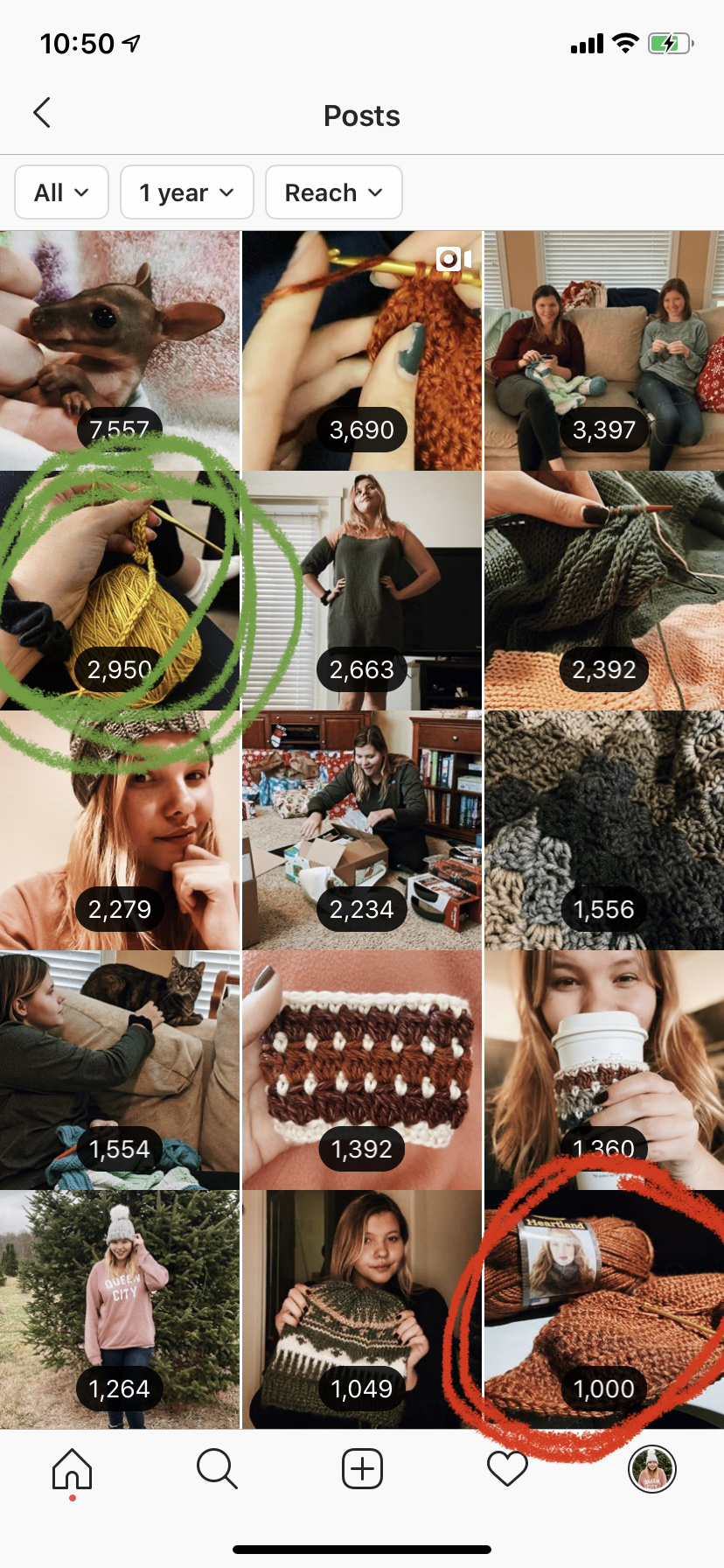
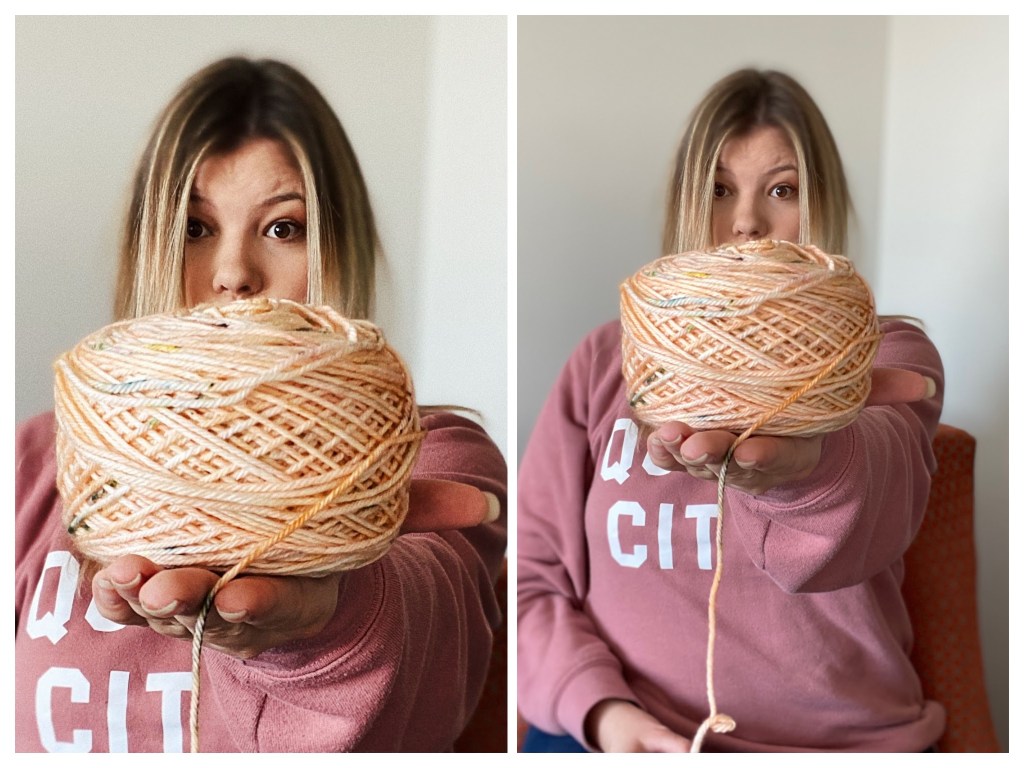
Now I’m nothing if not analytical, so I did a test. Yes, these are my actual stats from @diy.my.way. I had started scheduling In late January and while I didn’t notice a strong drop in performance, I did notice that I was growing slower. Only one post from the whole scheduling experience made it in my top 15, and it was extremely on brand for my niche. (It’s the yarn picture circled in red). The post circled in GREEN was posted a week later. Similar image, similar caption, same set of hashtags, and it was posted around the same time… THE REACH WAS 3 TIMES HIGHER.
I’m convinced- I won’t be auto-posting any more on Instagram. I went back to my old method of planning on advance and getting a reminder to post! I also have since started engaging with my audience after I post, but I’ll tell you why I do that later 😉
Congrats!! You started an Instagram for your blog or business! And it’s sitting there all blank and empty staring at you… kind of overwhelming, right? Okay, take a deep breath and don’t panic. Just follow these steps and you’ll be up and running in no time!
What To Do To Start Your Instagram:
Find Your Competition. You can learn so much about your audience by looking at how similar accounts are relating to them on Instagram! Look at what hashtags they use, when they post, who they follow, and what type of content does best for them.
Choose 20-30 relevant hashtags by searching keywords related to your account and looking at what type of content people use those hashtags on! You want to be similar without being exactly the same, so that people who follow the hashtag will engage with your content. It’s also a good idea to choose less popular hashtags (I try to stay in the 100k-500k posts range) so that you don’t get buried by the bigger accounts using the hashtag!
Post 9 photos with good captions and your 20-30 hashtags. This is the only time I will ever tell you to post this much at once but let’s face it, people aren’t going to follow an account that looks brand new. Content gives you credibility!
Ask 10 people that you know to follow you. This is for the same reason as the photos, having a few followers gives you credibility! I always follow new Instagram accounts from my personal account and other business accounts that I have access to, and then I’ll ask other people who are involved in the business to do the same.
Start Engaging and Following Your Target Audience. Go to your hashtags or to the follower lists of your competitors from step 1 and start liking people’s posts! You can also comment on the post, but make sure that when you do you say something specific about the post. There are a ton of bots that comment generic things like “OMG so cute” or the flames emoji on Instagram, and you want to come off as real. This is always important but especially for a new account!
REPEAT. Repeat. Repeat. Re-evaluate your hashtags every few days when you see how your posts perform over time. Spend an hour or two every day engaging with people that you want to follow you. Post content consistently. And reply to every comment. You’ve got this!!
Remember that this isn’t going to happen over night, and that’s okay. It takes time to find the right audience for your brand, and taking shortcuts may work in the short term but it won’t give you an audience of potential customers who love you and your brand (and isn’t that the dream???).
I see it all the time where people panic and take a shortcut, so I made this list of what not to do with your new Instagram account.
What Not To Do With Your New Instagram:
DO NOT BUY FOLLOWERS. Don’t do it. They aren’t real people who will potentially buy your products or products you promote. It will actually hurt you in the long run!
DO NOT JUMP ON *FOLLOW TRAIN* GIMMICKS I see these things all the time and I do not understand why y’all keep falling for it! First of all, you don’t get followers in your target audience by doing this. Second, you will lose about 80% of the followers you gain from this. And third, it looks really bad in your feed!! Don’t do it, it’s not worth it.
DO NOT RUN A PAID PROMOTION… yet! I 100% believe that a social strategy should include paid and organic, but paid performs better when you have solid organic performance. Don’t waste your money running an ad before you have that!
Now if you only take one thing away from this, this should be it… BE CONSISTENT. That’s right. The best way to grow an engaged audience of potential customers is to show up consistently for them on your feed. Spend time every day engaging with them, post content that is relevant to them, and respond to their messages in a reasonable amount of time. If you think of your social media like building relationships rather than growing numbers, you’ll be more successful in the long run!
Let’s be honest, content creation is the hardest part of building an audience on social media for your blog, brand, or business. It can feel unnatural, and you can be left feeling like you have nothing to post! Which of course leads to not posting, and hurts the growth of your account. I’ve been there. I know how challenging it can be! That’s why I put together these 7 Pro-Tips that have helped me produce tons of content and focus my time on engaging and growing my account rather than figuring out what to post next.
1. Batch your content.
If you read that and didn’t know what it meant don’t panic. Batching your content means taking a bunch of photos all in one day so that you have content ready for the next week two weeks, or even a month, and don’t have to stress about it. I typically do a photo shoot every other weekend!
2. Mix it up
I see a lot of businesses that post very similar looking photos for every picture. It’s the same background or the same general subject… and it ends up looking kind of fake. It can also limit your follower growth because people already know what they’re going to get from you so why would they want it in their feed?
Fortunately there’s a lot of ways to mix up this type of content. Try taking a photo in front of a different background, switching up the way you’re posing the item (or yourself!!), or showing of something different in your inventory.
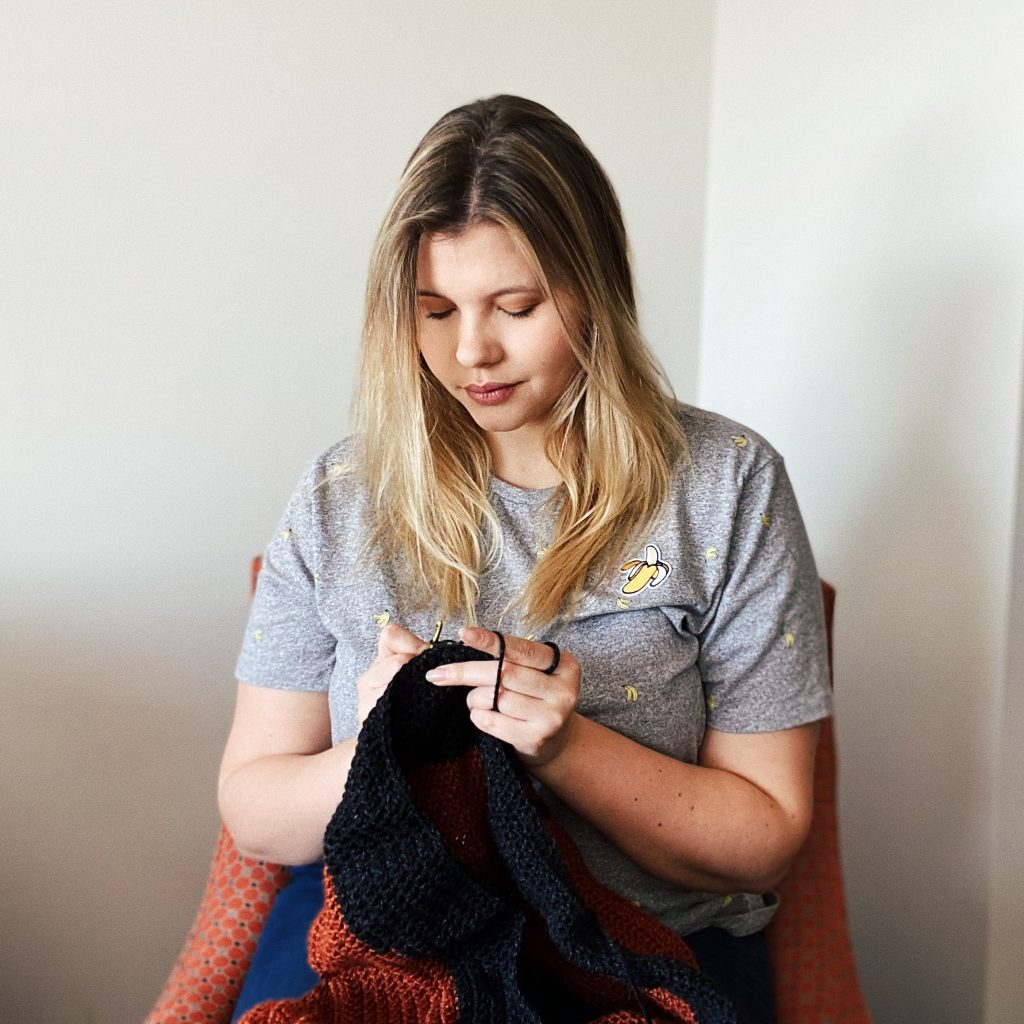
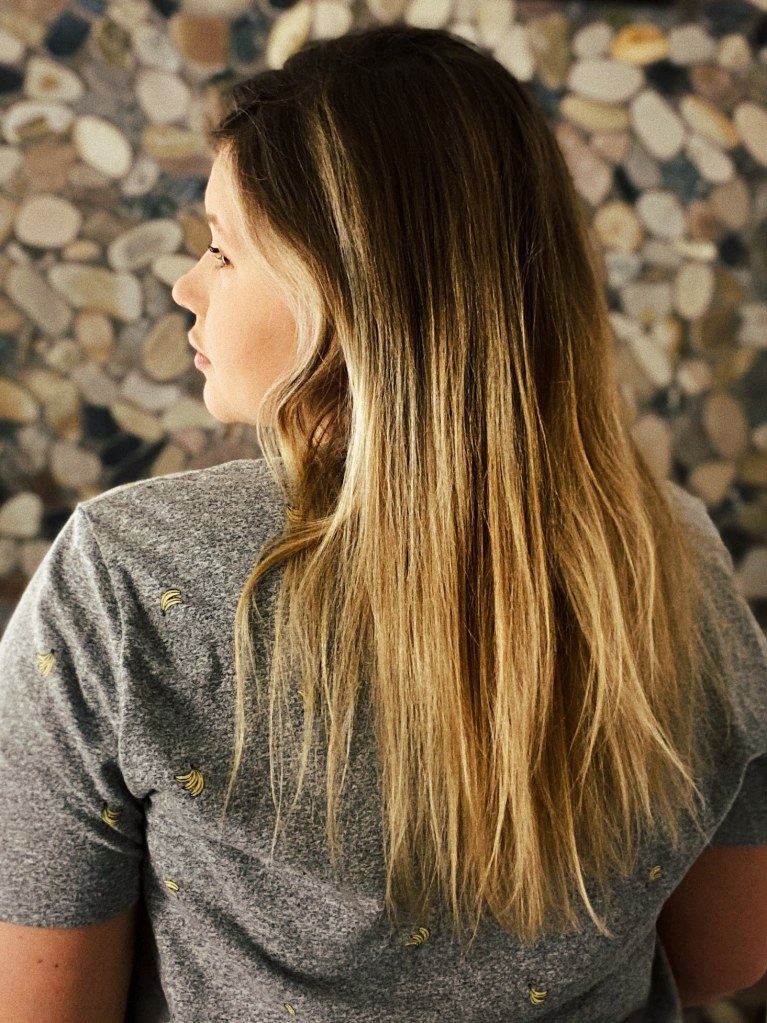
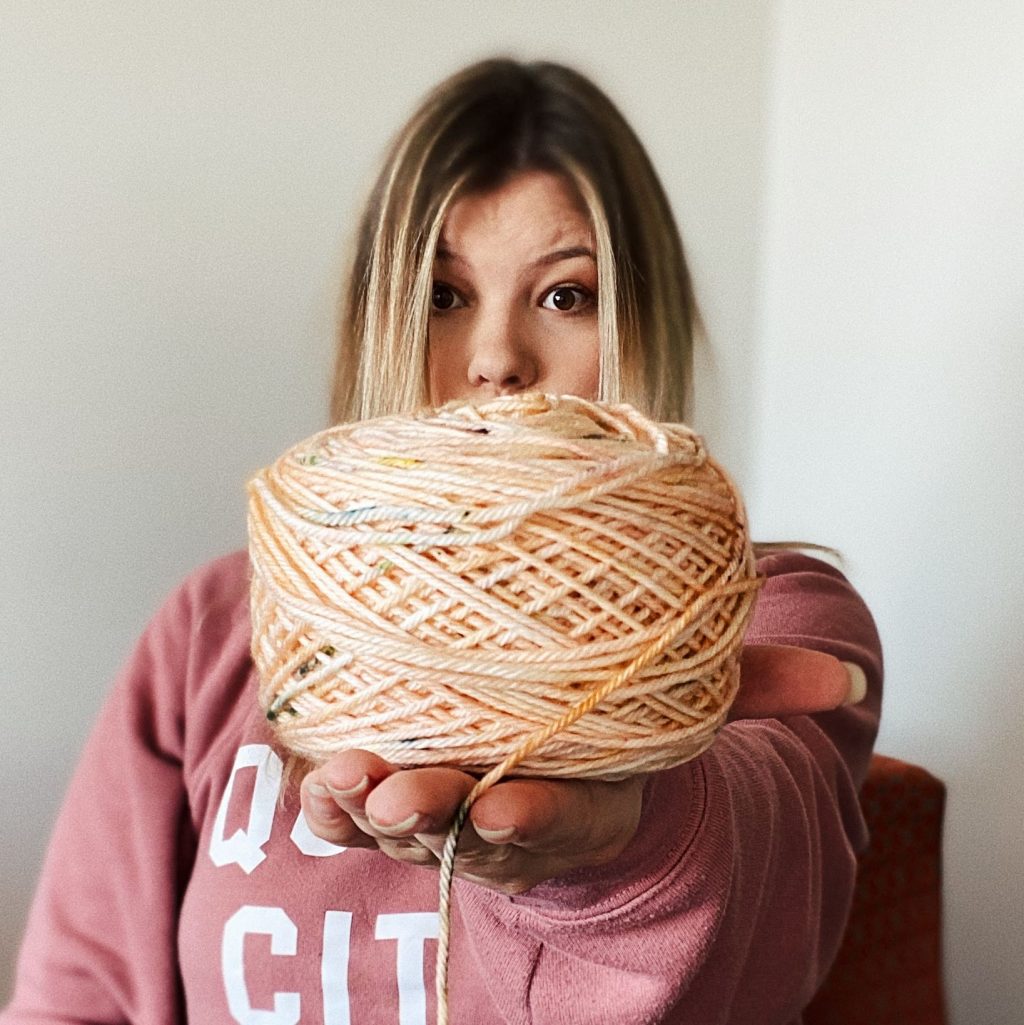
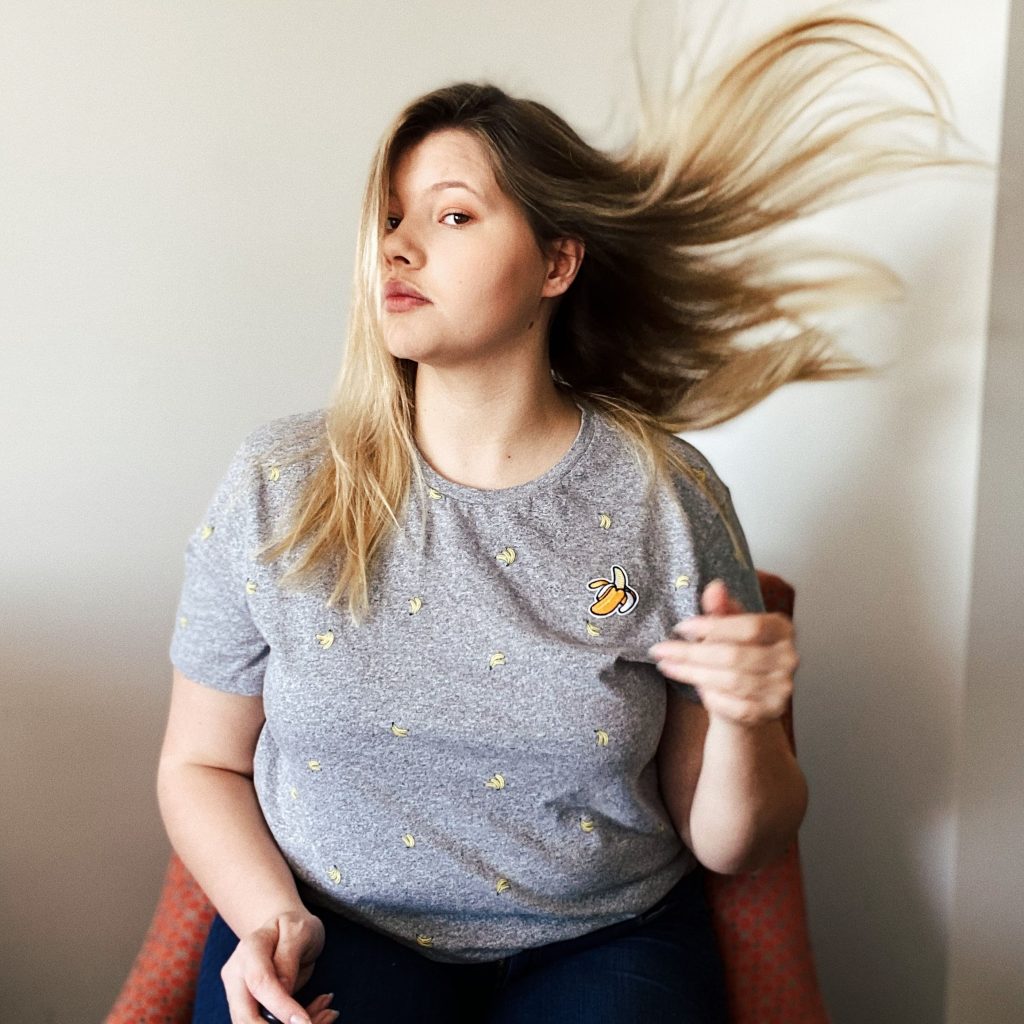
Here’s an example from a photoshoot I did for my DIY Instagram a few weeks ago!! These photos were all taken in the same room, within 30 minutes of each other. I had a few props, threw on a sweatshirt, and used the different wall options in the room to give me unique photos for my feed!
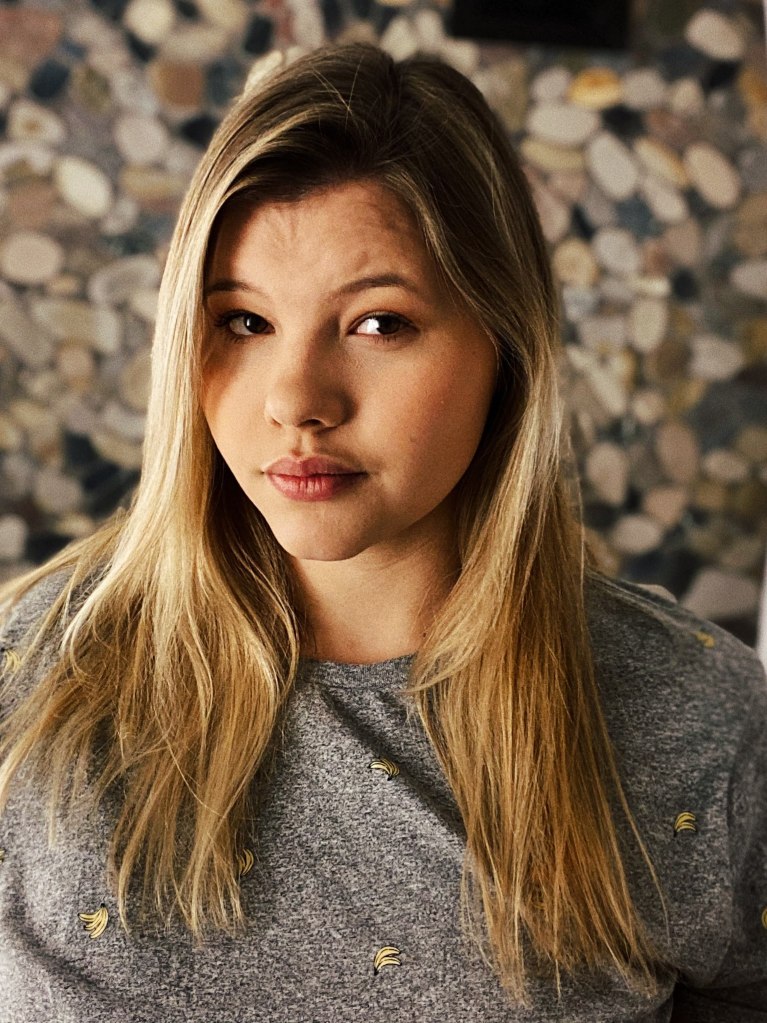
Portrait shot in front of rock wall
Action shot crocheting
Look over the shoulder shot with rock wall
Focus shot on my new yarn cake
Hair flip action shot!!!
3. EDIT
When I said it I don’t mean FaceTune. I repeat, I do not mean use FaceTune. What I mean is edit the lighting of your photos so that they look professional – we don’t all have professional photographer is following us around all day! And use similar filters on all of your photos, it’ll give your feed a more cohesive look especially when you’re mixing up content. Here’s a before and after of one of my edits (exposing myself to show you all what I mean!!)
This is a pretty basic edit for me: I adjust the brightness and contrast to make the photo pop, crop it so maintain focus where I want it, and apply my VSCO filters!
After, then before!
4. Video
OK people are afraid of video. It’s harder to pose in a picture and you can’t go back and edit something else, but it does so much better in the algorithm! On my DIY blog oh my DIY Instagram I use video about once a week, and I’ll be honest it’s always the hardest contact to create. I get stage fright when I’m trying to crochet in frontOf the camera and it takes a couple of tries to get it right. But that’s always my best performance most of the week so I really recommend pushing through and trying to get some video on your feet.
5. Use a design app
OK if you look at my Instagram feed you’re going to see a mix of photos of me and quotes/marketing tips on a graphic. I create all of these myself and I do it with the app Canva. Canva has really made a difference for me in taking the lift off of creating daily content because I do have a full-time job outside of running this blog!! If you’re like me and this is your business is your side hustle Canva is a lifesaver.
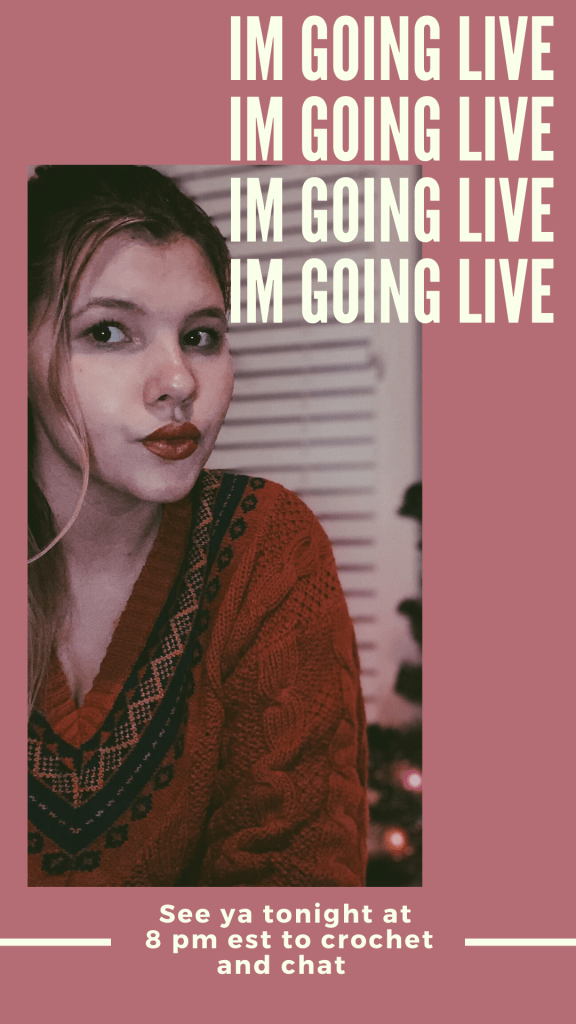
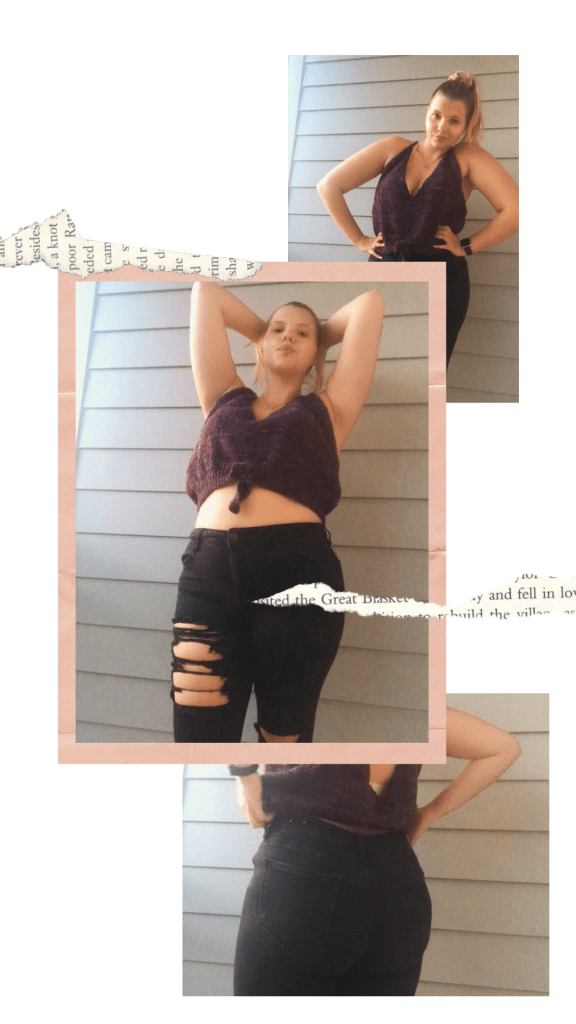
I use this for feed photos and stories!! Check out some of my creations:
6. Bring props!
Do you show up to take a photo and feel like you’re just doing the same pose over and over again so your feed kind of looks like the same picture over and over again? Hi, I do that all the time. Basically I have 2 good angles and the rest are mediocre at best.
The biggest way that I’ve been able to change that is by bringing props. Props force me to plan out what my photos going to look like and what overall vibe I’m going for and stick to it!! It also adds variety to my feed and my photos.
7. Phone a friend
Who says you have to be the subject of every photo on your feed? If you’re not trying to build your brand as a model, then ask your friends to model your products or be in your photos! It makes your content feel more organic and authentic, and it can take some of the pressure off of you to be in every picture!
Just remember if you’re going to run a paid out on them that you need to get permission from the person in your picture!!





 Market with Emily